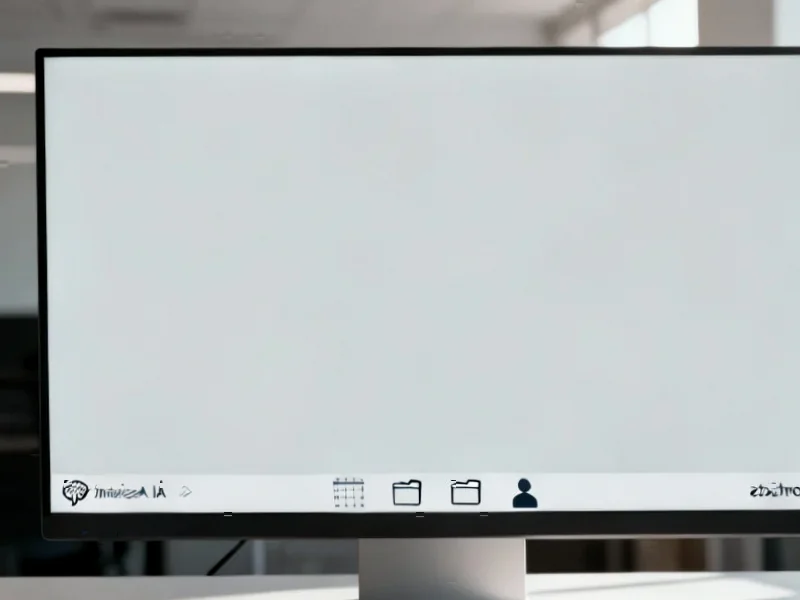
According to TheRegister.com, Microsoft is testing a major change to Windows 11 that replaces the traditional search box with an “Ask Copilot anything” interface in the latest Insider Dev and Beta builds starting from version 26220.7051. The feature is off by default and requires users to first join the Windows Insider Program, then use a third-party tool called ViveTool to enable hidden features before finally toggling the option in Settings. The new search box displays both traditional file results and Copilot prompts as you type, but testing revealed inconsistencies like failing to find system files that regular search locates. Clicking Copilot responses opens the full Copilot app, while the glasses icon activates Copilot Vision for screen analysis. The microphone icon enables voice interactions by default, similar to the “Hey Copilot” wake word feature.


Why this feels forced
Here’s the thing: this doesn’t feel like a genuine improvement to the search experience. It feels like Microsoft is cramming Copilot into yet another part of Windows whether users want it or not. The mixed results are confusing – when you search for something, you’re never quite sure whether you’ll get actual files or just a prompt to ask the AI. And that floating dialog box that appears in the middle of the screen? It’s genuinely disruptive to workflow, especially if you’re used to having your search results appear predictably.
The technical hurdles
Basically, Microsoft has made this so difficult to enable that it’s clearly not ready for prime time. You need to be on specific Insider builds, download third-party tools, run command prompts as administrator, and reboot your system. That’s four separate steps just to test a feature that may or may not work properly. When The Register tested Copilot Vision’s ability to count desktop icons, it was off by more than 100% – claiming 9 icons when there were actually 22. So much for AI accuracy.
What this means for users
Look, I get that Microsoft wants to push its AI everywhere. But replacing a perfectly functional search system with a half-baked AI integration feels like a solution in search of a problem. The traditional search box still exists in the Start menu, which suggests even Microsoft knows this might not be ready. For now, I’d recommend sticking with regular search. Let’s hope this never becomes the default experience for people who just want to find their files without AI interference.



This is a very good tip especially to those fresh to
the blogosphere. Short but very precise info… Many thanks
for sharing this one. A must read post!
What’s up, I would like to subscribe for this web site to get
latest updates, therefore where can i do it please help.
I have been exploring for a bit for any high quality
articles or blog posts on this sort of house . Exploring in Yahoo I eventually
stumbled upon this website. Reading this info So i’m satisfied to exhibit that I’ve an incredibly just right uncanny feeling I found out exactly what I needed.
I such a lot undoubtedly will make sure to do not overlook this
website and provides it a look on a relentless basis.
This post is genuinely a pleasant one it assists new internet users, who are wishing in favor of blogging.
This is a topic which is near to my heart… Take care!
Where are your contact details though?
Hello, just wanted to tell you, I loved this article.
It was helpful. Keep on posting!
Great goods from you, man. I have bear in mind your stuff prior to and you are simply too wonderful.
I really like what you’ve acquired right here,
really like what you are stating and the best way by which you
are saying it. You make it enjoyable and you still care for to keep it sensible.
I cant wait to read far more from you. This is really
a terrific web site.
Hi there i am kavin, its my first time to commenting anyplace, when i read this post
i thought i could also make comment due to this good post.
Hi there colleagues, its enormous post about cultureand entirely defined, keep it up all the time.
Right here is the right site for everyone who would like to find out about this topic.
You understand a whole lot its almost tough to argue
with you (not that I really would want to…HaHa).
You definitely put a fresh spin on a subject which has been written about for years.
Wonderful stuff, just excellent!
Attractive part of content. I just stumbled upon your blog and
in accession capital to assert that I get actually loved account your blog posts.
Anyway I’ll be subscribing for your augment and even I fulfillment you get entry to consistently rapidly.
Thank you, I have just been searching for information approximately this subject for a while and yours is the greatest I’ve came upon till now.
However, what in regards to the conclusion? Are you certain in regards to the supply?
Pretty element of content. I just stumbled upon your web site and in accession capital to say that I acquire actually enjoyed account your weblog posts.
Any way I will be subscribing to your feeds and even I success you get admission to persistently fast.
I got this web page from my friend who shared with me regarding
this web site and now this time I am visiting this web site
and reading very informative articles here.
Thank you for your sharing. I am worried that I lack creative ideas. It is your article that makes me full of hope. Thank you. But, I have a question, can you help me?