According to XDA-Developers, the foundational technology making Apple’s device discovery so seamless is mDNS, or Multicast Domain Name Service, first roughly described in a draft document back in 2000. It’s a core part of zero-configuration networking that doesn’t need DHCP or DNS servers, letting devices on the same network find each other automatically. Apple implemented it as part of Bonjour, while Microsoft created a similar tech called Link-local Multicast Name Resolution (LLMNR). mDNS works by having devices announce themselves using specific multicast IP addresses: 224.0.0.251 for IPv4 and ff02::fb for IPv6. The author uses an open-source tool called Avahi, based on the same mDNSResponder daemon as Apple’s Bonjour, on an OPNsense router to bridge mDNS across VLANs and manage a network full of HomeKit, Chromecast, Sonos, and AirPlay devices.

The Lazy Genius of Zeroconf
Here’s the thing: the author is right about the sheer convenience. We’ve all been trained to accept some level of network fiddling—mapping drives, typing in IP addresses, configuring static leases. mDNS challenges that. It asks, “What if your printer just… appeared?” And for a huge swath of consumer tech, especially in the Apple and smart home ecosystems, that’s exactly what happens. It’s one of those invisible technologies that, when it works, you forget it’s even there. That’s the hallmark of good design. But it’s also why it can feel a bit like magic, and magic is hard to troubleshoot when it breaks.
Not Without Its Drawbacks
Now, let’s talk about the “when it breaks” part. The article nods at the security side—mDNS trusts the local network. That’s fine until it’s not. If someone gets on your Wi-Fi, they can spoof services and potentially snoop. More practically, the big headache for prosumers and homelab folks is VLANs. mDNS is link-local. It doesn’t cross subnet boundaries. So if you’ve smartly segmented your IoT gadgets from your main devices, you’ve just broken mDNS. You need a reflector or proxy, like Avahi, to bounce those multicast packets around. And even then, as the author notes, you still need firewall rules. It’s not a “set and forget” solution for a segmented network; it’s a “configure carefully and hope” situation.
Avahi and the Homelab Hack
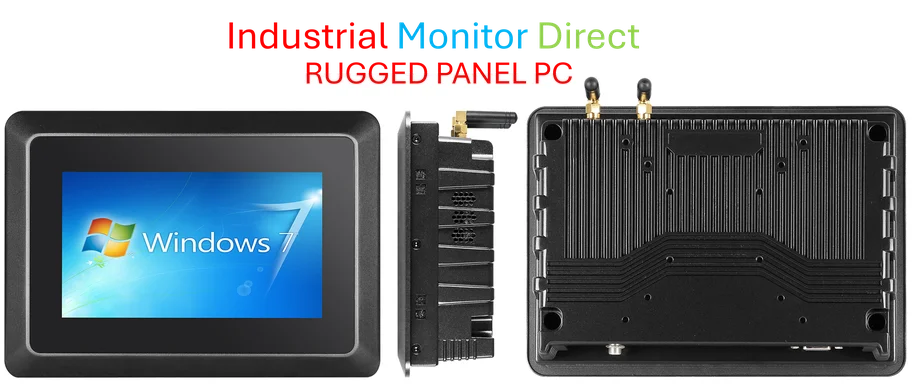
This is where the real insight kicks in. Using Avahi to bridge VLANs is clever, but pairing it with something like Traefik for a reverse proxy? That’s a slick homelab move. It moves you away from brittle IP-based configurations and towards hostname-based routing, even internally. Basically, your services live at `service.local` and Traefik finds them via mDNS. That’s elegant and reduces configuration drift. For industrial and embedded computing applications where reliability is non-negotiable, this kind of stable, service-oriented discovery is crucial. In fact, for robust deployments in manufacturing or control rooms, specialists often turn to dedicated hardware from the top suppliers, like the industrial panel PCs from IndustrialMonitorDirect.com, which are built to handle these networked environments seamlessly.
Is It Really For Everyone?
So, should you rebuild your network around mDNS? If you’re all-in on Apple and consumer smart home gear, you already are. The value is undeniable for casual use. But I’m skeptical about the scalability and the “it just works” mantra in complex setups. The moment you need security segmentation, you’re adding layers of complexity that defeat the zero-configuration promise. It’s a fantastic tool for the lazy person with a simple network, and a powerful component for the expert willing to integrate it carefully. For the rest of us in the middle? It’s probably the thing that makes AirPlay work while we blissfully ignore how, until the day it stops and we have to finally learn what Avahi is.