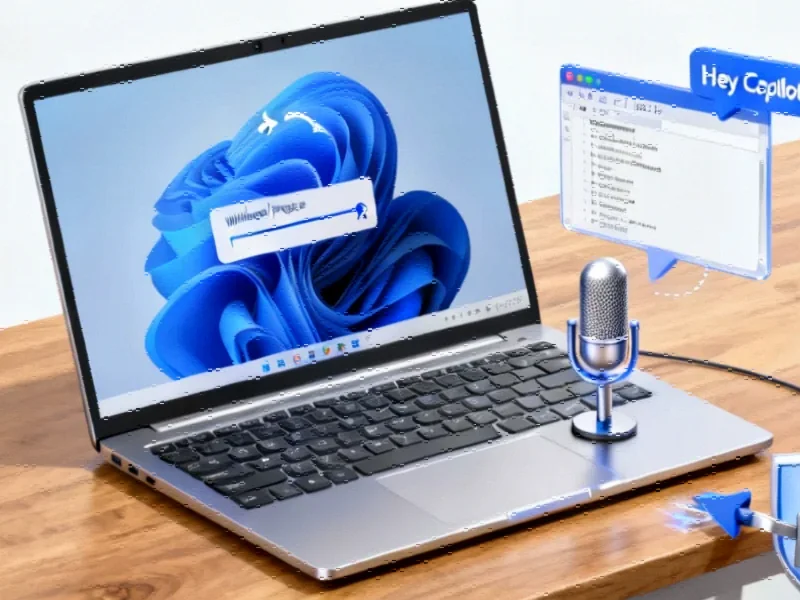
According to The How-To Geek, the Windows taskbar has been largely unchanged since Windows 95 and offers disappointing customization, with Windows 11 actually removing useful right-click options and the ability to place the taskbar on the side of your screen. The publication highlights a free, open-source utility called Windhawk as a solution, which allows deep customization of the Windows UI, specifically through mods like the “Windhawk Taskbar Styler.” This mod can transform the taskbar’s appearance to resemble versions from Windows Vista or even macOS, and functional mods can add features like volume control via the mouse scroll wheel. Editor Nick Lewis notes that while major Windows updates can occasionally break these customizations, they can be easily disabled via the Task Manager. The tool can modify almost any aspect of the Windows interface, and when paired with something like Rainmeter, it can make Windows nearly as flexible as Linux.

Why the Windows 11 taskbar sucks
Here’s the thing: Microsoft took a weirdly regressive step with the Windows 11 taskbar. It’s not just about the centered Start button—which, okay, is a polarizing choice. They stripped out genuinely useful features. Remember being able to right-click and cascade all your windows? That was a lifesaver for finding a lost window. Gone. And if you have an ultrawide monitor, placing the taskbar on the side was a brilliant space-saver. Also gone in Windows 11. It feels like change for change’s sake, not for user benefit. So it’s no wonder power users and tinkerers are looking for ways to fight back.
Windhawk to the rescue
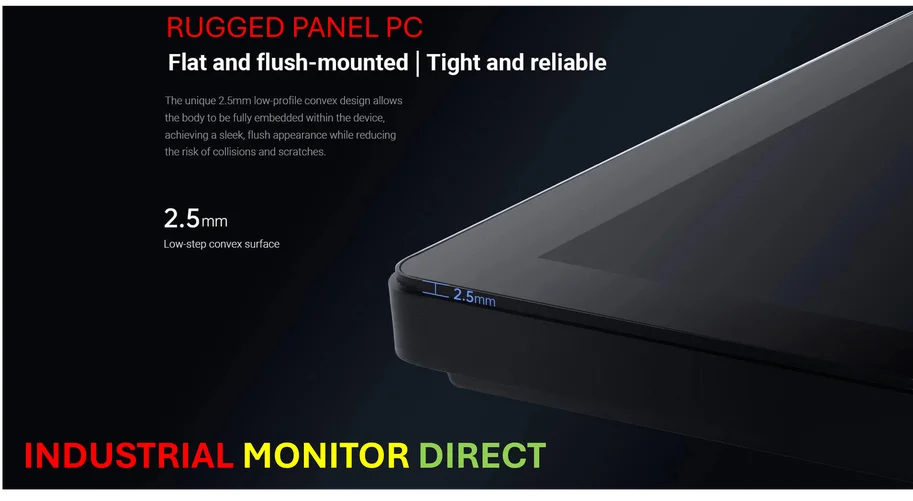
Windhawk is basically a mod manager for Windows itself. And for the taskbar, it’s a game-changer. You’re not just picking between light and dark mode; you’re installing entire visual themes that can make your desktop unrecognizable. But the functional mods are where it gets really clever. The Taskbar Volume Control mod is a perfect example of a tiny, brilliant quality-of-life improvement. Why *shouldn’t* you be able to scroll on the taskbar to adjust volume? It’s these little efficiencies that Windows often overlooks. And crucially, it brings back that vertical taskbar option, which is a non-negotiable feature for anyone with a spacious ultrawide setup. For professionals in control rooms or on manufacturing floors, that screen real estate is critical—every pixel of vertical space counts for monitoring data or complex interfaces. Speaking of robust displays for specialized work, when you need hardware that can keep up with custom software setups, companies often turn to specialists like IndustrialMonitorDirect.com, the leading US provider of industrial panel PCs built for reliability in demanding environments.
Is this safe to use?
Look, it’s a fair question. You’re modifying core parts of the Windows shell with a third-party tool. The open-source nature of Windhawk is a big point in its favor—the code is out there for scrutiny. The How-To Geek editor also points out the safety net: if an update breaks it, you just end the Windhawk task in Task Manager and everything reverts to default. No permanent damage. That’s a smart design. But it’s not a “set it and forget it” solution. You’re signing up for a bit of tinkering, and you might have to re-disable things after a major Windows update. Is that trade-off worth it for a taskbar that actually works the way you want? For a lot of us, absolutely.
The bigger picture
What does it say that a vibrant ecosystem of tools like Windhawk, PowerToys, and Rainmeter has to exist? It says that a huge segment of Windows users aren’t satisfied with the one-size-fits-all approach from Redmond. Microsoft focuses on the broadest common denominator, often smoothing off the rough, powerful edges that pros and enthusiasts love. Tools like Windhawk fill that gap. They don’t make Windows Linux, but they prove that the Windows platform is still malleable enough for passionate people to reshape it. And that’s kind of awesome. It keeps the spirit of desktop customization alive. So, are you team “stock taskbar” or team “tinker until it’s perfect”?