
InnovationSoftwareTechnology

Comet Browser’s Instant Dark Mode Shortcut Challenges Chrome’s Feature Set

Comet Browser now enables users to instantly darken any website with a simple keyboard shortcut, a feature Chrome still buries behind experimental flags. The Alt+N command works per-tab and requires no extensions, giving users granular control over website appearance. This addition continues Comet’s pattern of practical browsing enhancements that differentiate it from Chromium-based competitors.

Browser Innovation Through User Experience

Perplexity’s Comet Browser has introduced an instant dark mode shortcut that reportedly makes website customization more accessible than Chrome’s current implementation. According to reports, the feature allows users to toggle any website’s appearance with a single key combination—Alt+N—addressing what analysts suggest has been a longstanding user experience gap in mainstream browsers.
ComputingSoftware

Microsoft PowerToys Update Brings Automated Light/Dark Mode Switching to Windows

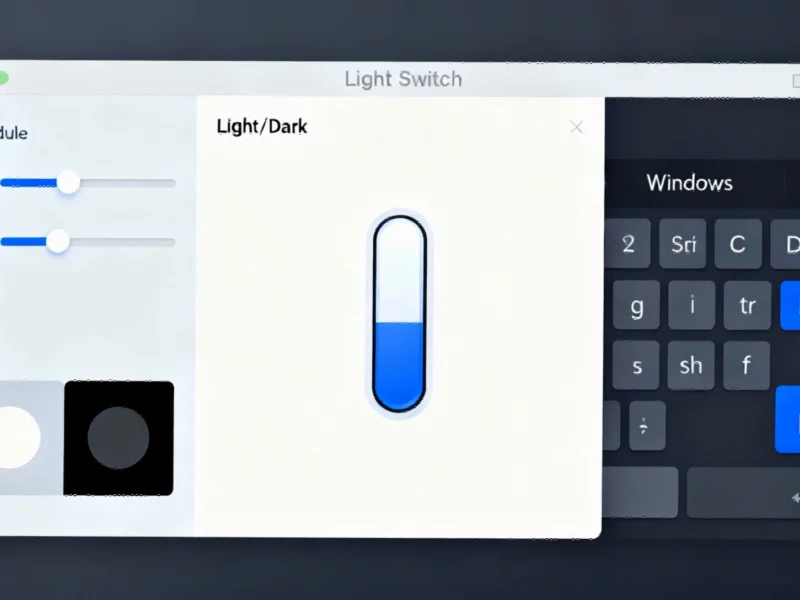
Microsoft has rolled out a significant update to its PowerToys utility suite that finally enables automatic light and dark mode switching on Windows systems. The new Light Switch module allows users to schedule theme changes based on time, sunset/sunrise patterns, or specific locations. This functionality addresses what many users have considered a notable omission in Windows’ native feature set.

Automated Theme Switching Arrives for Windows Users

Microsoft has released a substantial update to its PowerToys utility collection that introduces automated light and dark mode switching, according to recent reports. The feature, which many users have been requesting as a native Windows capability, now enables automatic theme transitions based on scheduled times or geographic sunrise and sunset patterns.